Marketplaces
Product Image Requirements for Amazon, eBay and Etsy
Every marketplace publishes its own image rules, and every seller eventually finds a blog post quoting numbers from three years ago. The rules that actually travel between platforms are about background, framing, and consistency; the numbers do not. This guide separates the two and points you at the source for the rest.
The rules that are close to universal
The main image sells the product, not the lifestyle. On most marketplaces the primary image is expected to show the item clearly, centered, and large in the frame. Props, backgrounds, and lifestyle context usually belong in secondary images.
The product should fill most of the frame. Leave a small margin at the edges, but do not let the item float in a sea of background. A small product in a large white square wastes the thumbnail and reduces perceived detail, whatever the platform’s exact framing guidance says.
The main image should be clean. Text overlays, borders, watermarks, logos, and promotional badges are restricted or banned on primary images. Some platforms allow them on secondary images; some do not.
Color should be predictable. sRGB is the safe color space for marketplace uploads. A file exported in a wide-gamut space may look dull or shifted after the platform re-encodes it.
The gallery should be consistent. Mixing square and portrait images, or white-background and lifestyle shots, makes the listing look assembled rather than designed. Choose one aspect ratio for the set and crop every image to it.
The file must survive re-encoding. Platforms recompress uploads. Starting from a high-quality master and exporting at a moderate-to-high quality gives the platform more to work with than a file already compressed to the edge.
The rules that differ
| Requirement | General shape | Where the exact value lives |
|---|---|---|
| Main image background | Plain, uncluttered background; the strictest platforms require white | Platform help page for the category |
| Minimum pixel dimensions | A threshold below which zoom or high-resolution display is unavailable | Platform help page |
| Recommended dimensions | Larger than the minimum, often tied to zoom | Platform help page |
| Aspect ratio | Square is common; some surfaces crop to a fixed ratio | Platform help page and listing preview |
| Accepted formats | Usually JPEG; PNG and others vary | Upload form and help page |
| Maximum file size | A per-image cap, often generous | Upload form and help page |
| Photo count | A per-listing maximum, sometimes tiered | Platform help page |
| Text and watermarks | Banned on main images; rules vary for secondary | Platform help page |
The vagueness is deliberate. A number copied from a blog post, including this one, is not a substitute for the platform’s current documentation. Categories also differ: a few product types have stricter or looser rules than the general listing guidance.
Amazon
Amazon is the strictest of the three on the main image. The primary photo is expected to show the product on a pure white background, without added text, logos, or props, for most categories. The product should fill the frame. Secondary images can show scale, details, use cases, and packaging. Confirm the background rule for your specific category on Seller Central before a bulk export.
Amazon also ties image size to the zoom feature. Below a certain longest-side threshold, zoom is unavailable; above a recommended size, the image is eligible for the full interactive view. Both values are published in Seller Central. Confirm them there before a bulk export, because a catalog that misses the threshold loses a significant conversion feature.
The practical consequence: one square white-background master at the largest size you can produce can serve as the main image, while secondary images can be composed more freely. A clean main image is never penalized, even where the category allows more.
eBay
eBay’s requirements are generally less prescriptive about background than Amazon’s, but the platform still rewards clear, large images. The listing tool displays images at a fixed size, and the zoom feature depends on the uploaded file being large enough. eBay’s listing help describes the sizes it expects and the formats it accepts; build against those values, not against a copy from a template.
Because eBay often hosts the images itself, the upload form is the final authority. A file that passes your local check can still be rejected if its format is not on the accepted list. JPEG is the safest choice and the smallest for photographs.
Etsy
Etsy is a marketplace for handmade and vintage goods, and its image culture is different. Lifestyle photography is common and often expected. The main image can be styled rather than isolated on white, depending on the seller’s approach and the category.
What Etsy shares with the others is an emphasis on images large enough to show texture and support zoom; the current help page states what that means in pixels. Listings appear in a grid with a fixed crop, so the subject needs to sit near the center regardless of the uploaded ratio. The first image is also the search thumbnail, which makes contrast at small size more important than fine detail. Check the crop in the listing preview before composing a set.
Format, size, and color in practice
JPEG is the default for marketplace photographs. It is widely accepted and handles the smooth gradients of product photography well. PNG suits graphics with text or transparency, but a transparent background is not a white background: if the platform composites it onto black or gray, the main image fails the background rule.
WebP is usually the wrong choice for a marketplace upload unless the platform explicitly lists it. Many listing forms validate by extension or MIME type and reject WebP before displaying it. The WebP support guide covers where it is safe.
Test the upload form with a single listing before converting a catalog. The accepted-format list on the platform’s current help page is the only authority on whether WebP gets through.
A workflow that produces compliant images
- Start from the largest original. A full-resolution master gives you room to crop to a square and still have pixels to spare. A phone screenshot or a saved web image will not.
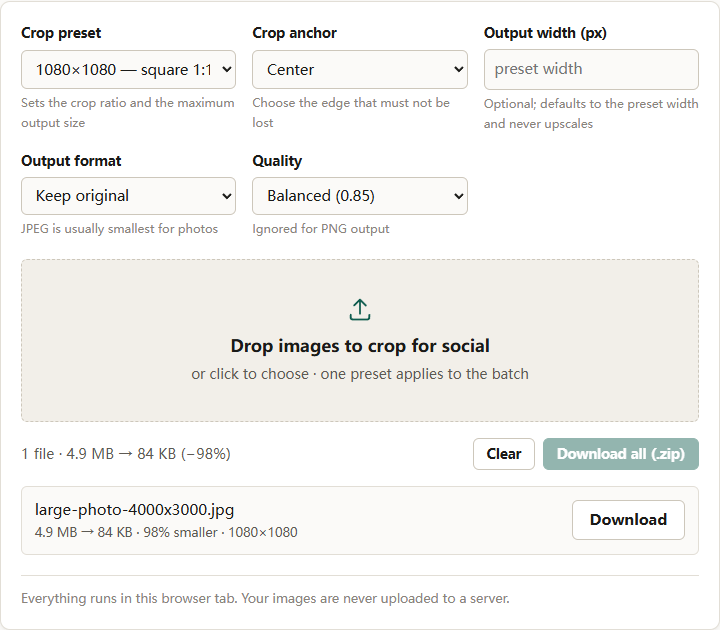
- Crop to the platform’s ratio. The crop for social tool has a 1080×1080 preset that produces a square main image. Use Center anchor for isolated products; use Top or Bottom when the product sits high or low in the frame.
- Check the fill. The product should occupy most of the frame without touching the edges. Leave a small margin so the platform’s own crop does not clip the item.
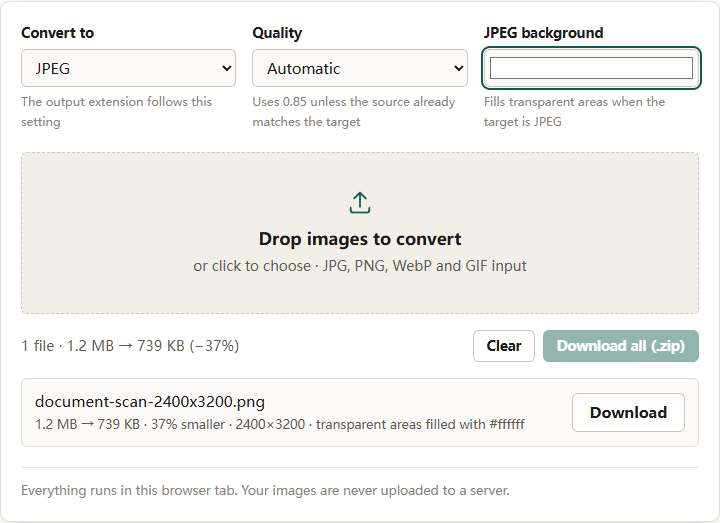
- Choose the background deliberately. For a strict white-background platform, composite the product onto pure white before export. The format converter can fill transparent areas with a chosen color when the output is JPEG, but it cannot remove an existing background.
- Export JPEG at high quality. Use the converter with Quality set to High (0.92). Do not target a byte size unless the platform publishes one that your file exceeds.
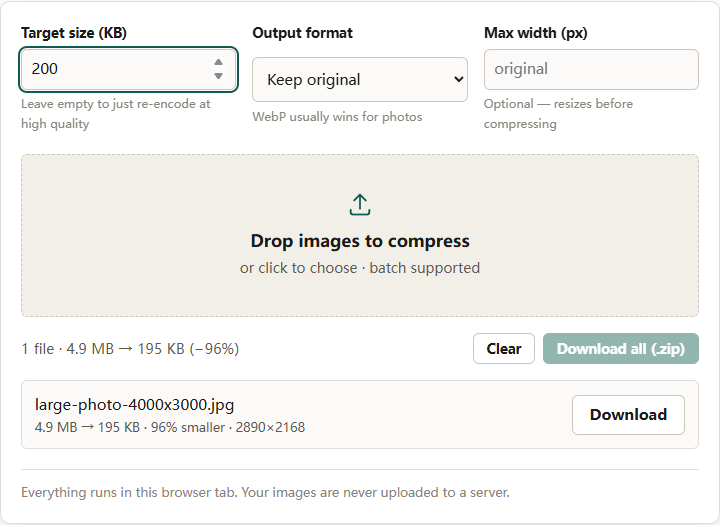
- Compress only if needed. If the upload limit is tight, use the compressor with the platform’s stated limit and check that the result still looks clean at 100 percent.
What to check before a bulk upload
- The main image meets the platform’s background rule for that category.
- The product fills the frame and is not clipped at the edges.
- The file is at or above the platform’s zoom threshold.
- The format is on the accepted list.
- The file size is under the limit.
- Text, logos, and watermarks are absent from the main image.
- The gallery uses a consistent ratio.
- The image is sRGB and looks correct after upload, not just locally.
The short version
Marketplaces share a design logic: clean main image, large product, consistent gallery, sRGB JPEG. They differ on background strictness, minimum dimensions, file limits, and photo counts. Treat those numbers as current provider rules, confirm them at the source, and build one high-resolution master per product so each platform’s version is a crop and an export rather than a rescue job.
For the format decision behind the export, see PNG vs WebP vs JPEG.